
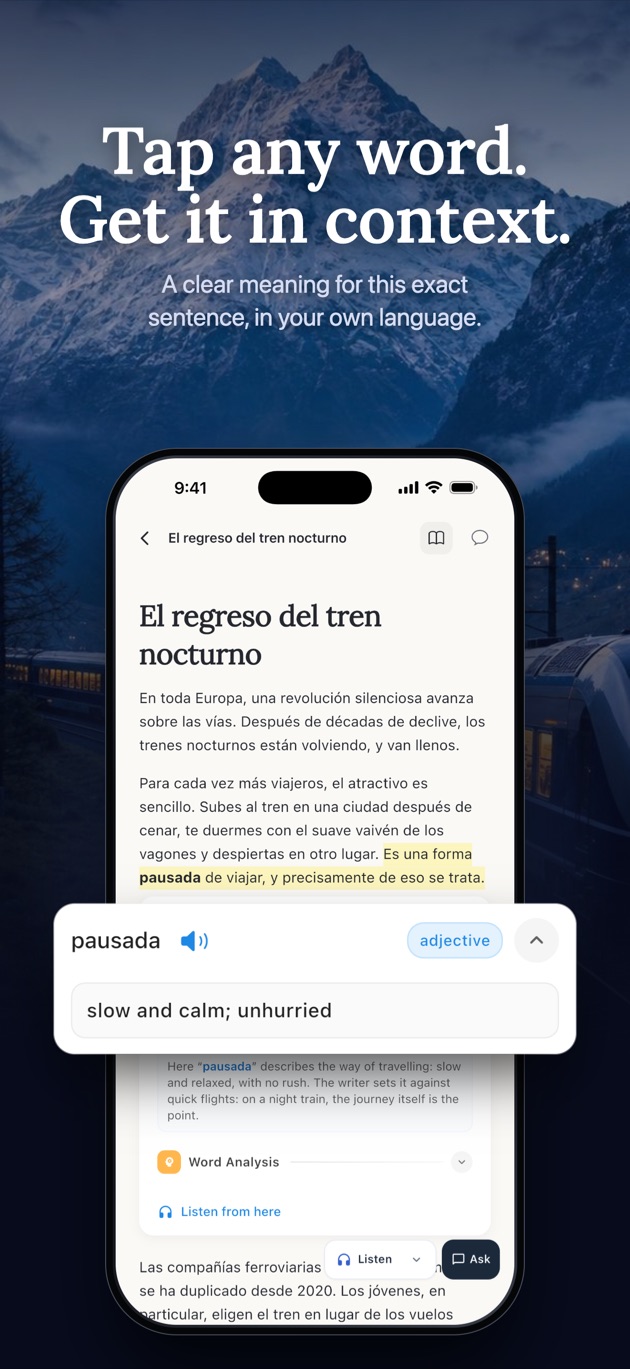
ContextCat is a reading app for people learning a language. You open something real, like a news article, a book from the built-in shelf, a web page or your own PDF, and tap any word you don’t know. Instead of a dictionary list, you get what the word means in that sentence, explained in your own language.
Website: contextcat.app


Why
A dictionary gives you every meaning a word has. The sentence you’re reading only uses one of them, and picking the right one is exactly the part a learner can’t do yet. I wanted something that just tells me which meaning this is, here, and why.
What it does
- Tap a word: its meaning in this sentence, in your language, with the root and form one tap away. Select a few words to translate a phrase.
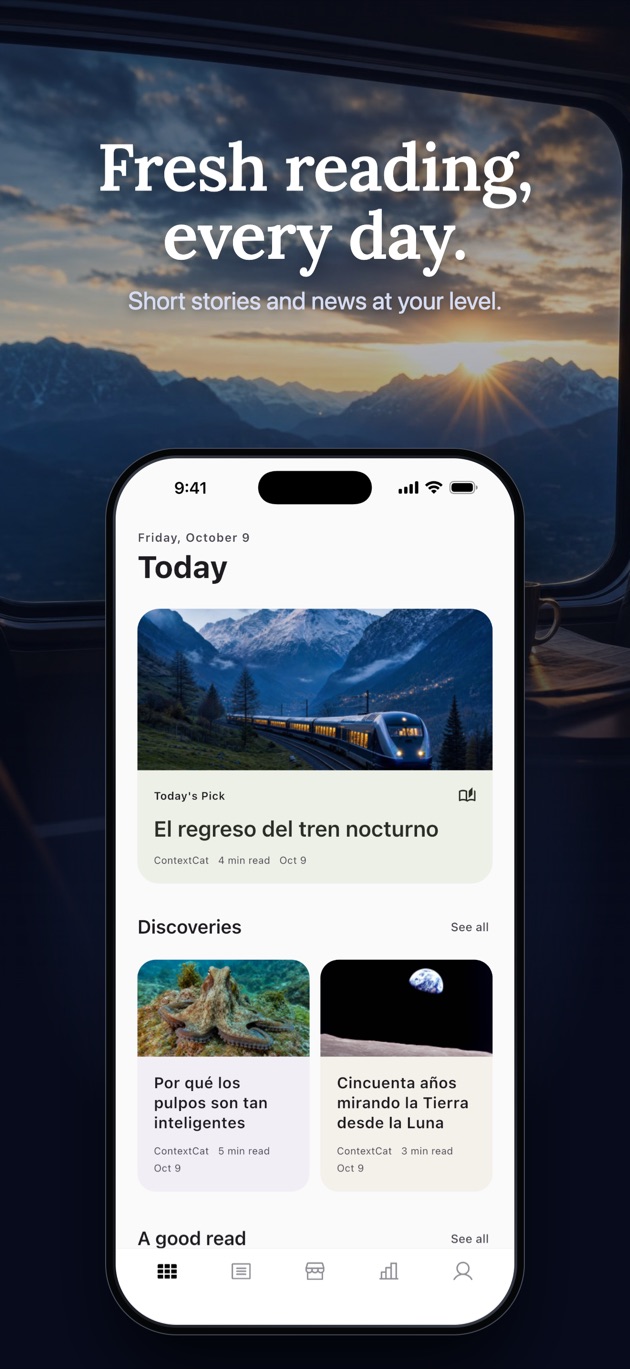
- Real things to read: a daily set of articles, a shelf of classics and short readers, or your own PDFs, EPUBs, links and pasted text.
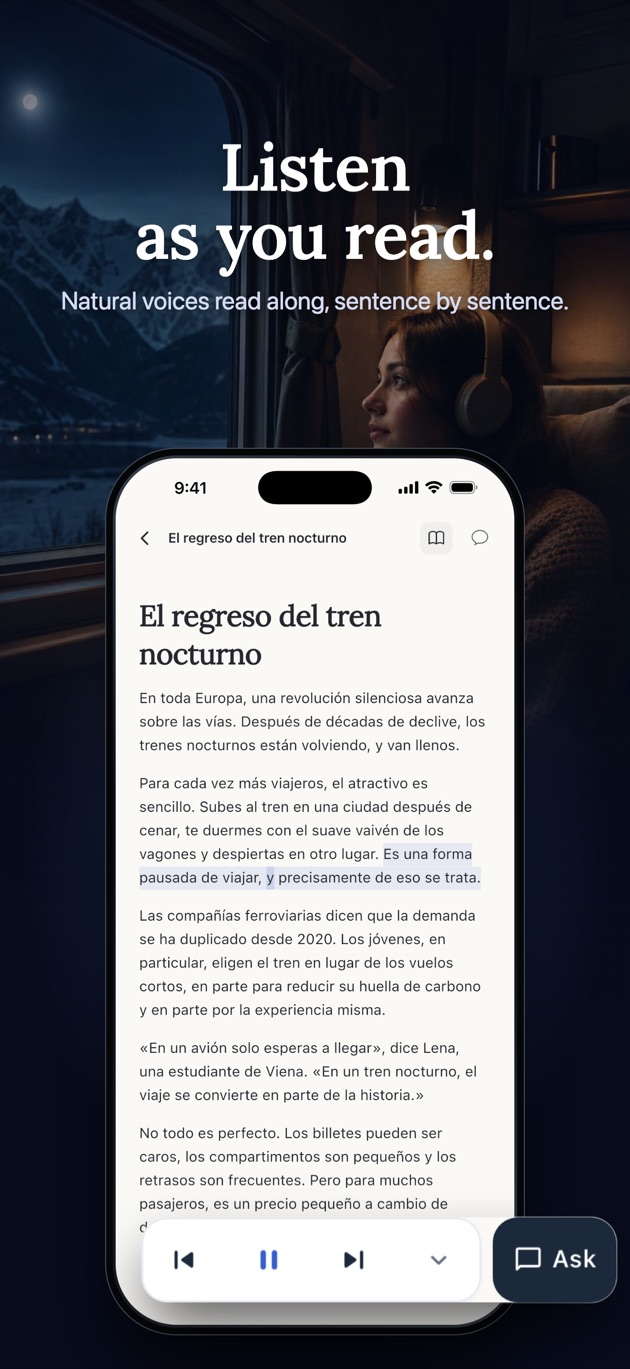
- Listen while you read: natural voices read the text aloud and highlight the sentence.
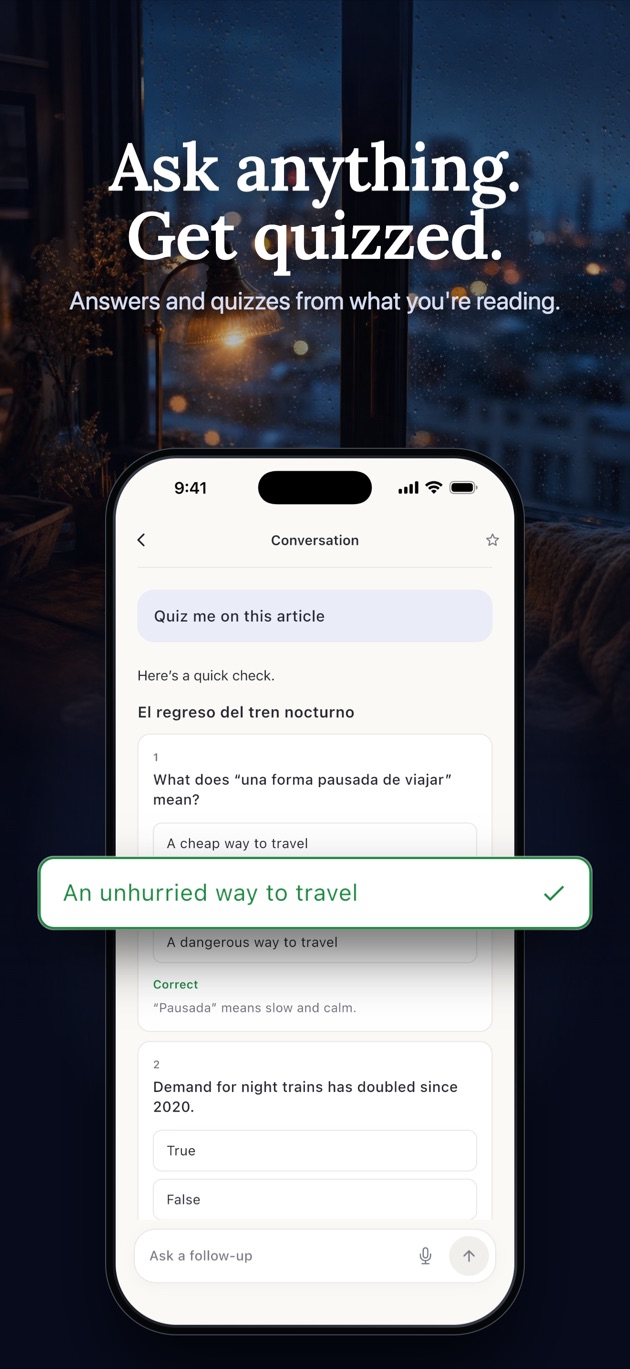
- Ask about the page: a question about a paragraph you didn’t get, or a quick quiz.
- Words come back: the words you looked up return as study cards, each with the sentence you found it in.
- Explanations in 39 languages. Free to try, with a Pro plan for unlimited use.
How it’s built
- One Flutter codebase for iPhone, iPad and Android.
- A small backend that writes the in-sentence explanations with a language model and caches them, so the same word in the same sentence is never explained twice.
- The website (contextcat.app) has a page per language with real example sentences.
Feedback is very welcome, especially from people learning a language right now.